Discord
|
FAQ - Useful information about Mu OnlineMu Online Knowledge BaseCreation of a guild, allianceThe guild is an important part of the MU Online world. Guild (clan) - a community of players who help their clanmates in the game. The creator of a guild (Guildmaster) usually sets the rules for admission, behavior and other game canons during the creation of a guild. Creating a guild
To create your own guild, you need to approach the NPC Guild Master, which is located in Devias at coordinates 215x45 and talk to him.
Requirements to create a guild:
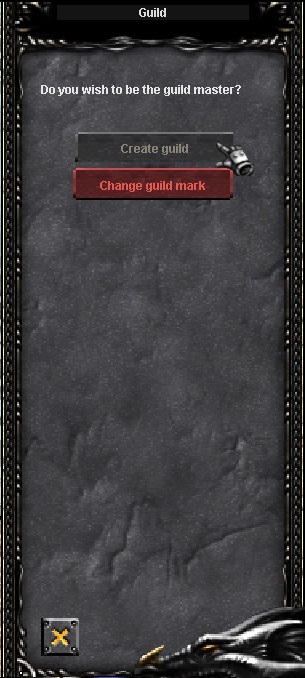
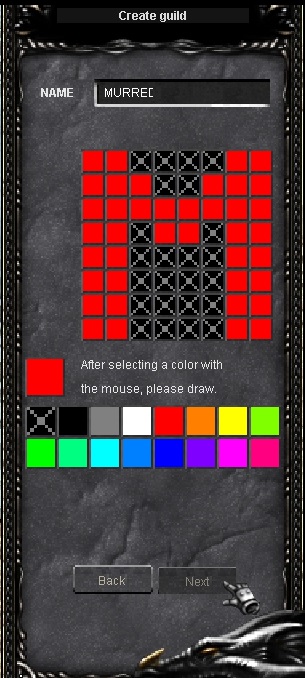
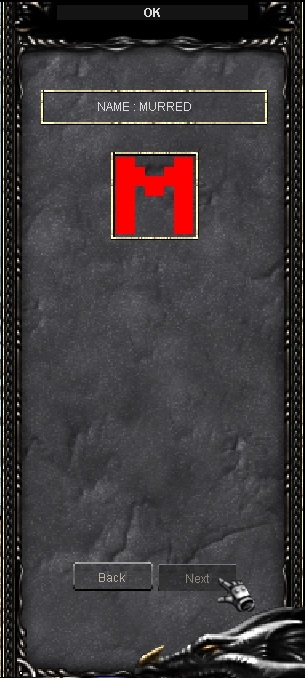
The guildmaster needs to have on his game account (on the site) the specified number of credits and zen, which are debited upon successful creation of a new guild on the server. If this condition is not met, the creation of the guild will fail. After starting a conversation with the NPC, the player will need to write the name of the guild and draw its emblem. The emblem that the guildmaster draws will be displayed on the arm of the guild members, and after a successful capture of the castle, it will be displayed on the flags inside the castle. The maximum guild capacity is 10% of the guildmaster level. For example, if the guildmaster level is 300, then the maximum number of participants is 10% of 300 = 30 players. 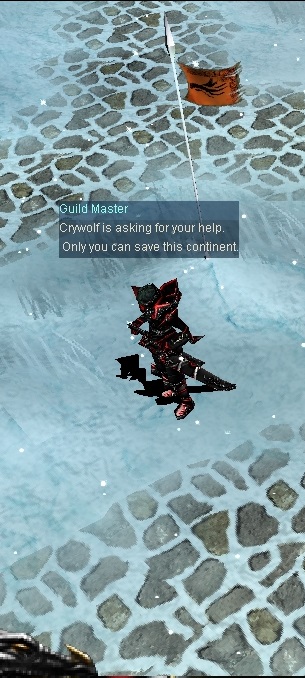
Attention!
Once you write the name of the guild and draw the emblem, it will be impossible to change them! Be careful about this, otherwise you will have to delete the guild and create it again.
Joining/disbanding/leaving a guild
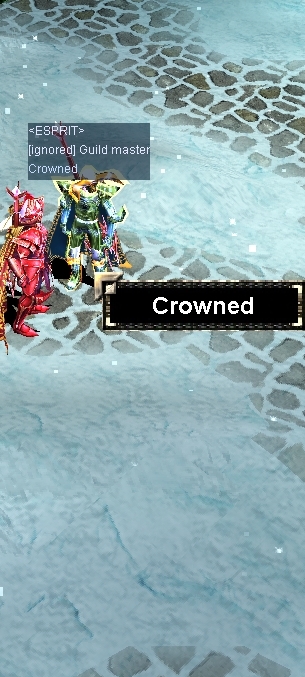
To become a member of a guild, press the 'D' button, select 'Guild' and right-click on the guildmaster of the guild you wish to join. After the guild master confirms your desire to join the ranks of his guild, you become a member of it.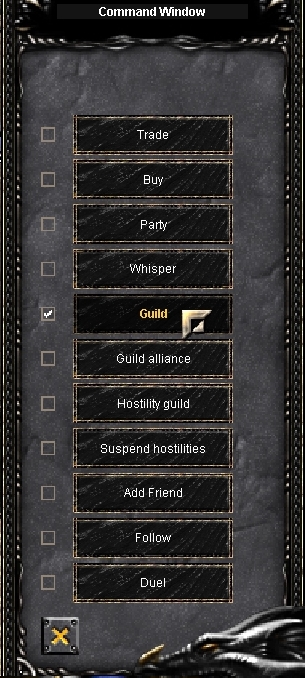
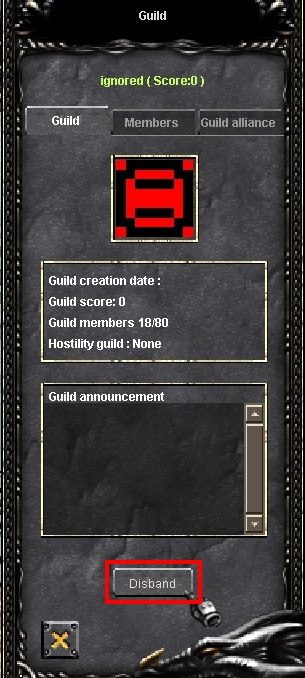
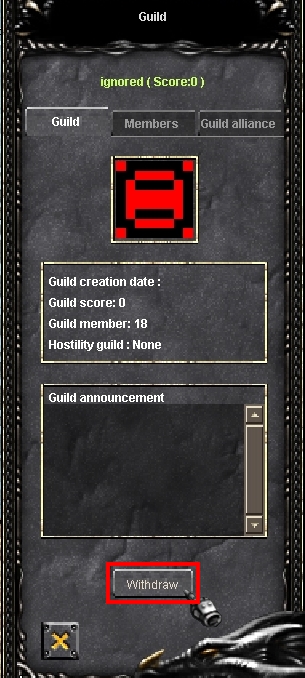
Create an alliance
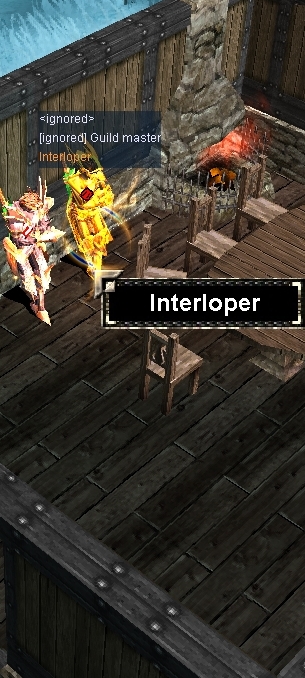
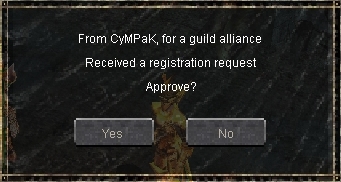
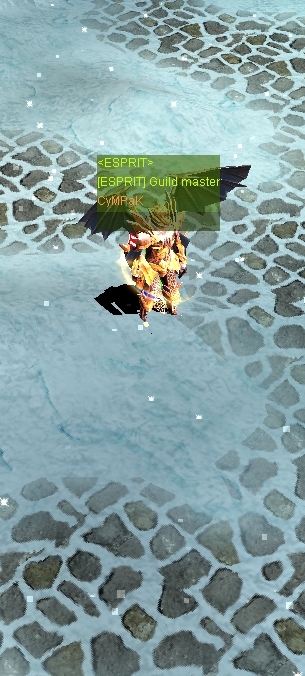
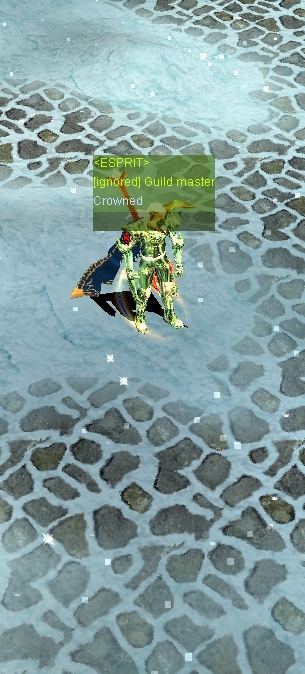
Alliances of guilds allow you to form alliances between several guilds for mutual assistance in the game and at the siege of the castle Castle Siege .
Note
Tomato x100 has a limit on the number of guilds in the alliance: the head of the alliance plus a maximum of three guilds of allies.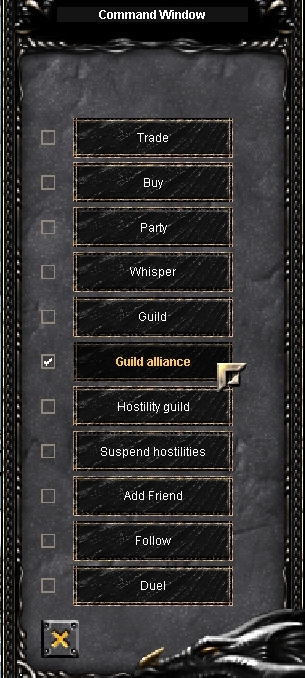
Deleting an alliance
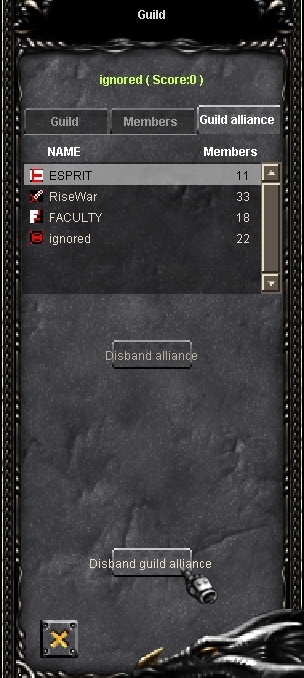
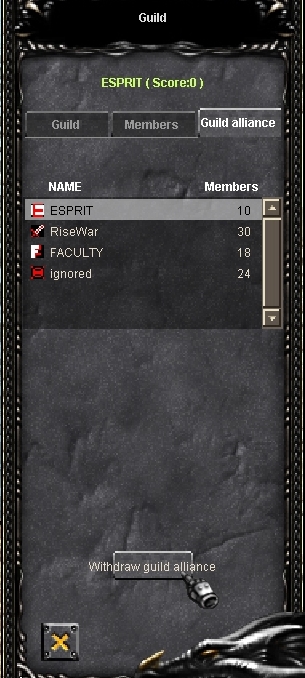
All operations below are carried out by the guild master of the main guild in the alliance (except for the last case with the exit of the guild from the alliance, in which this operation can be carried out by the guild master of any of the guilds that participate in the alliance). Also, for all these operations, you must first enter the guild menu by pressing 'G', and select the 'Guild alliance' tab.
Note
You cannot break an alliance, kick a guild, or leave an alliance when the alliance is participating in castle siege.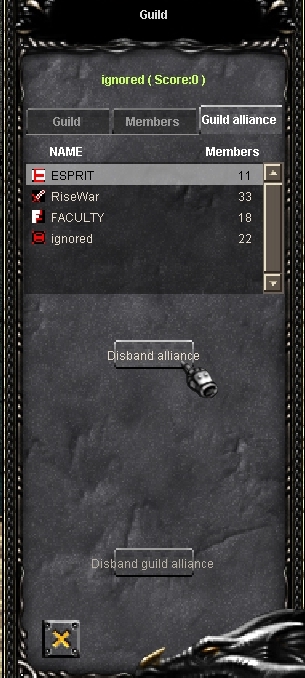
Guild Animosity
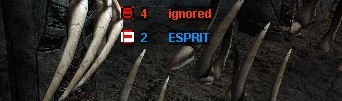
Note
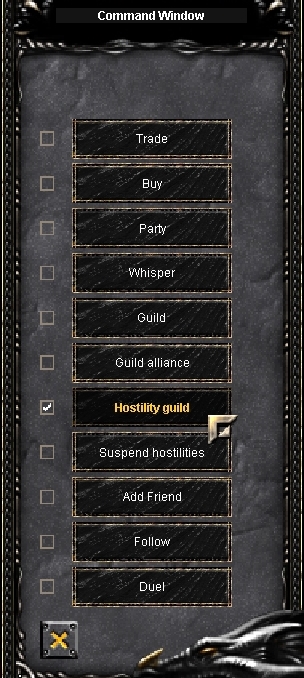
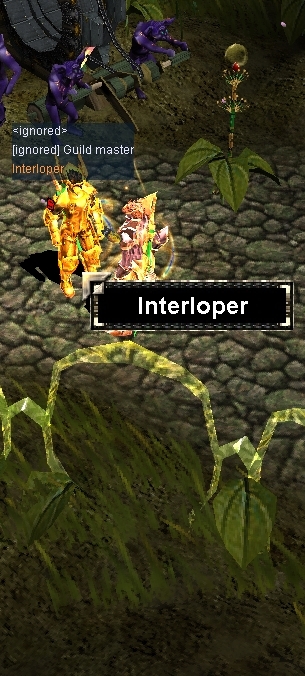
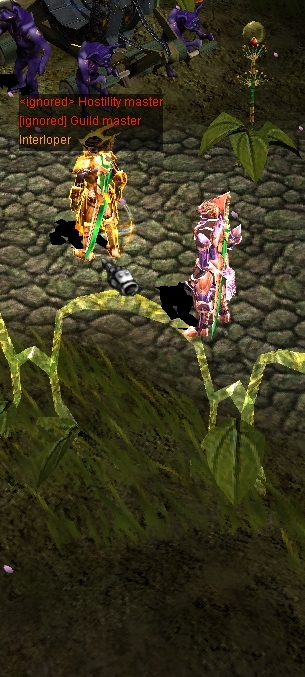
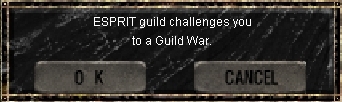
With Hostility Guild, guild members can kill their rivals in events such as Blood Castle and Devil Square.
Guildmaster Commands




Guild member commands




Guild Ranking
Guild rankings can be found here. It is calculated depending on:
Views: 17392 |
Tài Khoản Bảng Điều Khiển
Đánh giá củaThông tin
Thị trường |


